
Integrating a digital drum set into electronic music production and live DJ sets requires a shift in focus from traditional acoustic realism to digital flexibility, routing capability, and latency performance. For producers and DJs, the drum kit is not just an instrument but a high-performance MIDI controller and audio source that must interface seamlessly with digital audio workstations (DAWs), hardware samplers, and performance mixers.
To build an efficient hybrid setup, the essential specifications to prioritize are robust MIDI routing options, high-resolution pad sensitivity with customizable velocity curves, and low-latency audio outputs. In compact home studios, such as high-density apartments in Singapore where physical space and acoustic noise are primary constraints, choosing a kit with quiet mesh heads and streamlined digital integration is equally critical. Before finalizing any purchase, always verify the manufacturer’s official model specifications for device compatibility, firmware requirements, and driver support to ensure seamless integration with your specific operating system and software.
MIDI Connectivity and Routing for DAW Integration
Connecting a digital drum set to your production environment requires the right hardware ports to handle MIDI data. Most modern drum modules offer USB-MIDI, which is the standard for direct plug-and-play connection to a computer. This connection allows you to trigger virtual instrument (VST) drum libraries inside DAWs like Ableton Live, Logic Pro, or FL Studio. However, if your setup includes standalone hardware synthesizers, drum machines, or external DJ samplers, look for a module that also includes traditional 5-pin DIN MIDI ports. This dedicated hardware connection allows you to route MIDI data directly between hardware units without needing a computer in the loop.
Products mentioned in this guide
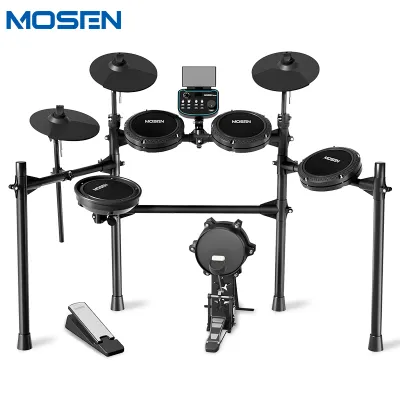
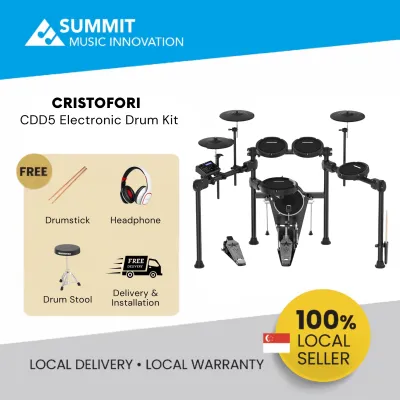
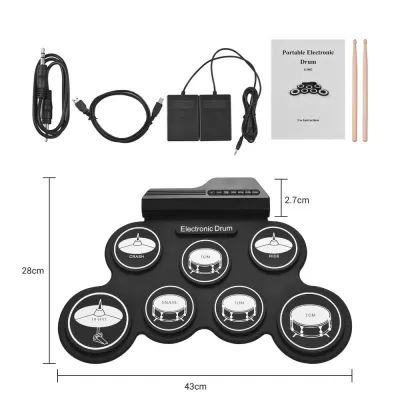
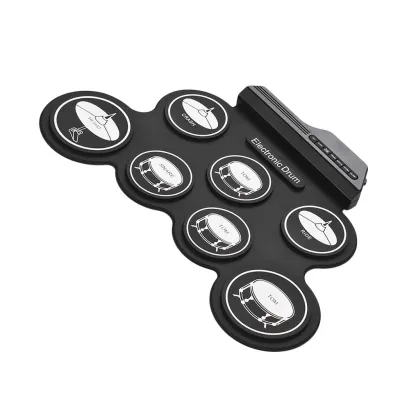
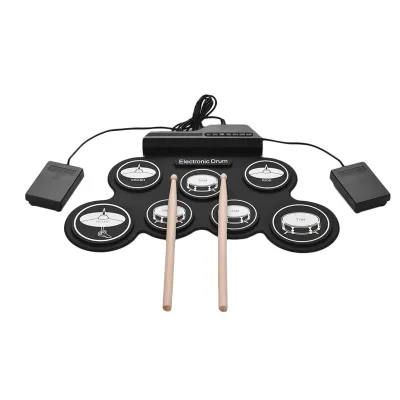
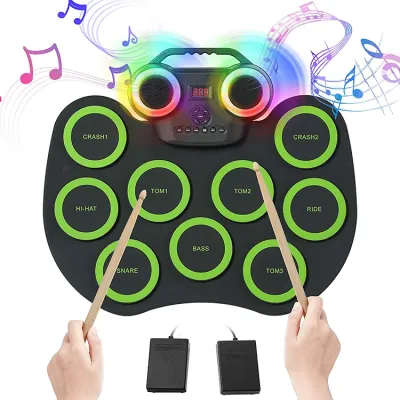
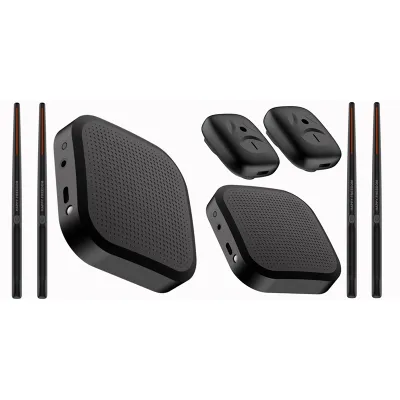
Prices are valid at publication and may change. Please refer to the product page for the latest price.
Multi-channel MIDI routing is another critical specification for advanced production and live performance. Ensure the drum module allows you to assign unique MIDI note numbers and separate MIDI channels to individual pads and cymbals. This level of customization is essential for complex mapping scenarios in DJ software or when triggering different sample banks simultaneously across multiple software instruments.
Additionally, pay close attention to the hi-hat controller specifications. Basic electronic drum kits often use simple on/off switch pedals, which only transmit binary open or closed MIDI messages. For expressive electronic production, you require a continuous control (CC) hi-hat pedal. A continuous controller transmits a full range of values (typically via MIDI CC#4), enabling smooth transitions from tightly closed to fully open positions, which can also be mapped to control synthesizer parameters like filter cutoff or decay times.
Pad Sensitivity and Trigger Dynamics for Expressive Control
The physical construction of the drum pads directly impacts how your playing dynamics are translated into digital signals. Mesh heads are highly recommended over traditional rubber pads for production and live performance. Mesh heads feature adjustable tension, allowing you to fine-tune the rebound to match your playing style. From a practical perspective, mesh heads produce significantly less acoustic noise when struck, which is a vital consideration for late-night production sessions in shared residential spaces.

To capture the nuances of a live performance, the drum module must offer customizable velocity curves and adjustable dynamic range settings. Electronic music genres often demand contrasting dynamic responses; for example, a producer working on intricate breakbeats needs high sensitivity to capture subtle ghost notes, while a techno or house DJ may prefer a flattened velocity curve to ensure every kick drum hits at a consistent, maximum volume. Verify that the module allows you to adjust threshold, sensitivity, and crosstalk settings for each pad to prevent accidental double-triggering.
Multi-zone triggers and positional sensing add further depth to your digital performances. A dual-zone snare pad allows you to trigger distinct samples for head hits and rimshots, while three-zone cymbals provide separate triggers for the bell, bow, and edge. These multi-zone capabilities can be mapped to trigger performance variations, such as a clean sample on the bow of a cymbal and a heavily processed delay effect on the edge, or utilizing cymbal choke sensors to instantly mute audio loops in your DJ software.
Module Capabilities vs. VST Reliance
Deciding how much to invest in a drum module depends heavily on whether you plan to use it primarily as a MIDI controller or as a standalone sound source. If your workflow relies almost entirely on triggering high-end computer-based VSTs like Superior Drummer, Battery, or native DAW drum racks, the module’s internal sound library, internal polyphony, and onboard digital signal processing (DSP) effects are largely redundant. In this scenario, a budget-friendly module with excellent trigger-to-MIDI conversion is highly efficient.
However, if you want to streamline your studio setup, look for a module with built-in USB audio interface capabilities. Modules with multi-channel USB audio can transmit individual analog drum channels as separate digital audio tracks directly to your DAW over a single USB cable. This eliminates the need for a large external audio interface with multiple analog inputs, simplifying your cabling and reducing signal degradation.
For live DJ sets where laptop-free reliability is preferred, prioritize modules that support custom sample importing. These modules feature SD card slots or USB storage ports, allowing you to load pre-rendered WAV samples, vocal chops, or synth stabs directly into the module’s internal memory. This feature enables you to perform live hybrid sets using your custom production sounds directly from the drum hardware, bypassing the computer entirely on stage.
Audio Outputs and Latency for Live DJ Performances
Performing live alongside a DJ set requires specialized hardware outputs and ultra-low latency to maintain a tight, professional mix. Standard drum modules typically offer only a single stereo pair of analog outputs. For live DJ integration, this is rarely sufficient. Look for a module equipped with individual physical audio outputs, often labeled as Direct Outs. Having separate physical outputs for the kick, snare, and cymbals allows you to route these individual stems directly into separate channels of a professional DJ mixer, giving you or the sound engineer the ability to apply real-time EQ, filtering, and hardware effects to specific drum elements.
Latency is the delay between striking a pad and hearing the sound, and minimizing it is crucial for maintaining timing during live beat-matching and finger-drumming. To ensure a natural playing feel, the total round-trip latency of your system should remain under 10 milliseconds. This requires a combination of fast internal trigger processing within the drum module and a high-performance audio driver on your computer. When using a software-based setup, verify that your computer’s audio interface supports low buffer sizes (such as 64 or 128 samples) without introducing audio pops or clicks.
Stage environments also demand physical durability. Ensure the drum rack system features heavy-duty steel or aluminum construction with robust, slip-resistant clamps to withstand energetic live playing. Secure cable management, such as shielded multi-pin cable harnesses or lockable connectors, is essential to prevent loose connections or trigger misfires caused by heavy stage vibrations and bass frequencies from club subwoofers.
Specs You Can Safely Ignore for Production and DJing
When evaluating digital drum sets for electronic music and DJ workflows, certain highly marketed features do not contribute to your specific performance goals and can be safely ignored to optimize your budget.
- Massive internal sound libraries: Manufacturer marketing often highlights kits containing thousands of ultra-realistic acoustic drum samples. For electronic music production, these traditional acoustic presets are rarely used, as your music will rely on synthetic hits, 808-style samples, and custom electronic sounds.
- Built-in coaching functions and metronomes: Features like practice games, rhythm gates, and basic play-along tracks are designed for drum students learning technique. As a producer or DJ, you will already be working with advanced step sequencers, master clocks, and DAW-based metronomes, making these onboard training tools redundant.
- Acoustic resonance modeling: High-end drum modules often feature complex algorithms designed to simulate the physical resonance of wooden drum shells and sympathetic snare wire vibrations. While valuable for acoustic jazz or rock drummers, these computational features are unnecessary when producing clean, heavily processed, or synthetic electronic music.
Frequently Asked Questions (FAQ)
Can I use any digital drum set with Ableton Live or DJ software?
Most modern digital drum sets that feature a class-compliant USB-MIDI output are compatible with Ableton Live and major DJ platforms. However, out-of-the-box integration varies. While standard drum pads will transmit basic MIDI note data automatically, mapping multi-zone pads, cymbal chokes, and continuous hi-hat controller pedals requires manual configuration. You must verify that your specific software supports custom MIDI mapping and has a MIDI learn mode to properly assign these advanced trigger messages to your software instruments or performance decks.
Do I need an external audio interface if my drum module has USB audio?
If your drum module features a built-in multi-channel USB audio interface, you can record individual drum tracks directly into your DAW without an external audio interface. However, for live DJ performances, an external audio interface or a module with dedicated physical direct outputs is still highly recommended. This allows you to route physical analog cables directly into a hardware DJ mixer for real-time leveling, EQing, and hands-on effects processing during a live set.
Community discussion
Share your experience or ask a question. Comments are reviewed before publication.